Turn YouTube videos into docs people actually use.
Paste a YouTube video and get notes, PDFs, quizzes, blog drafts, and source-backed study tools. Use uploads for short-form clips and audio.
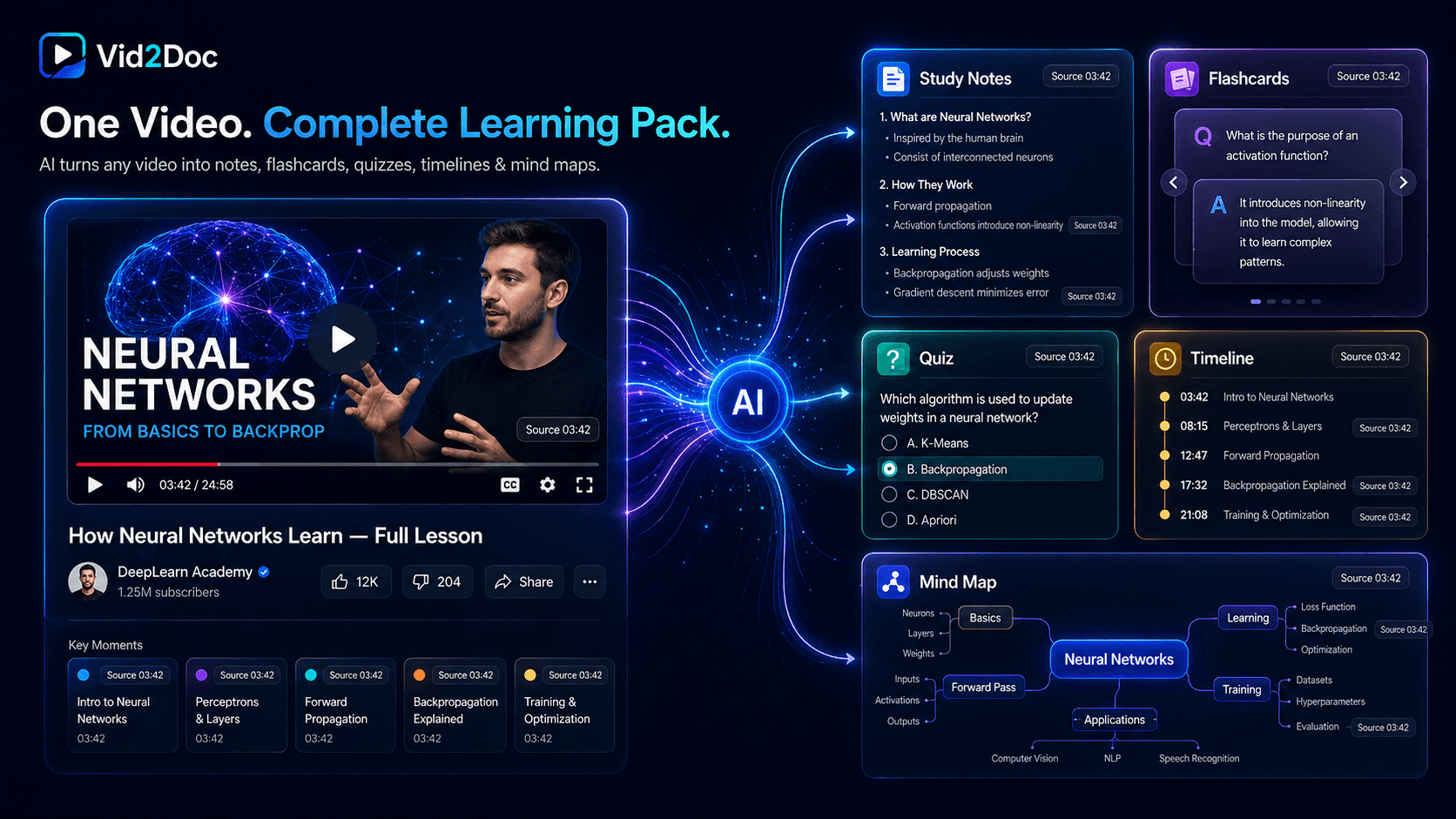
One source → notes, quiz, cards, map, timeline
Source-linked
Real examples
See the actual things Vid2Doc makes.
Open real outputs generated from videos: notes you can skim, quizzes you can take, maps you can explore, and PDFs you can keep.
Output preview
Study notes
Three reasons to care
One video can serve three jobs.
Creators
Repurpose explainers, interviews, demos, and clips into posts, newsletters, hooks, outlines, and lead magnets.
Students
Convert lectures and tutorials into notes, flashcards, quizzes, timelines, and study guides you can review.
Teams
Turn webinars, trainings, and customer calls into internal docs your team can search, share, and reuse.
Short-form wave
Short clips can become more than saved links.
A single clip may be small. A set of related clips can become a post, newsletter, study pack, knowledge page, or script outline.
Collect related clips around one topic
Extract hooks, claims, steps, quotes, and examples
Generate one article, newsletter, PDF, quiz, or idea bank
Keep source context so the output can be checked
Core idea
Your saved videos should become a working library.
Output gallery
Open real examples before you generate.
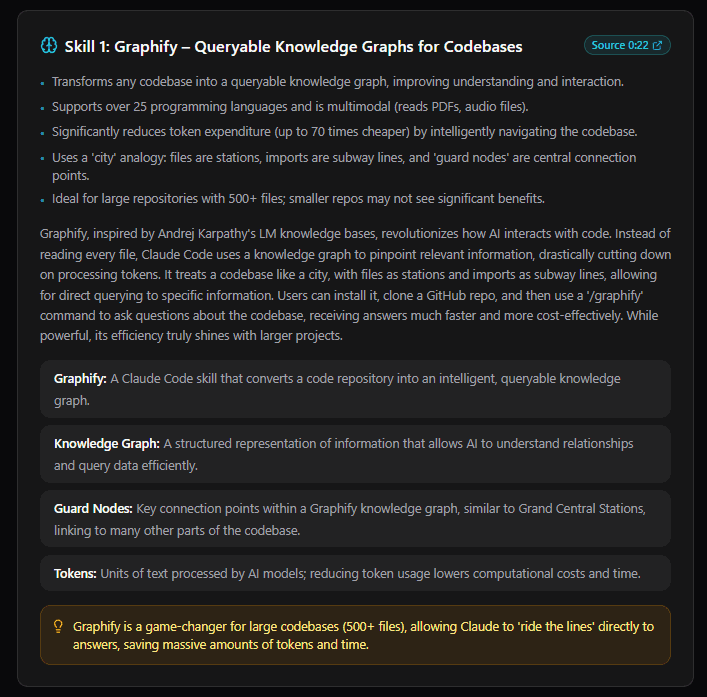
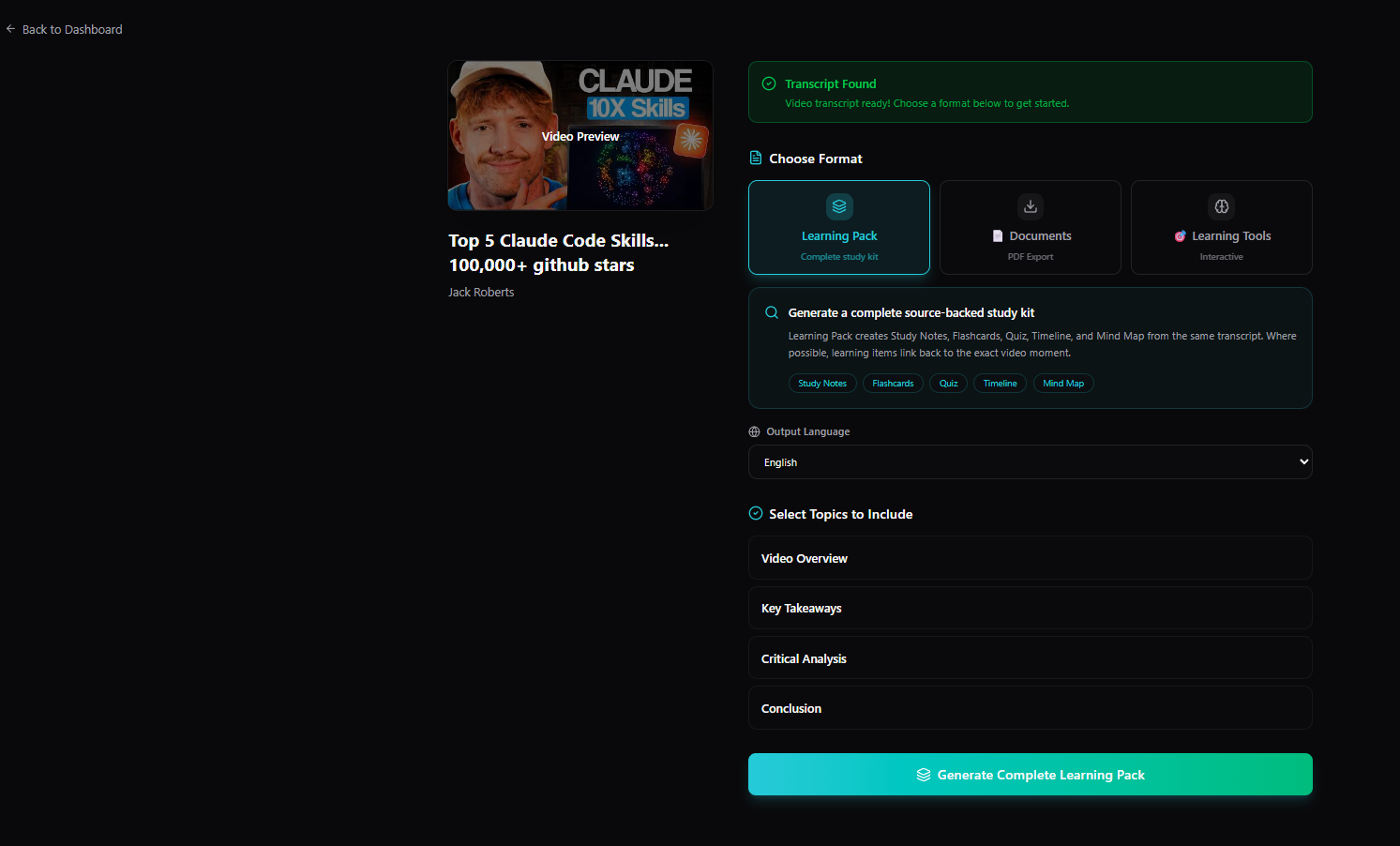
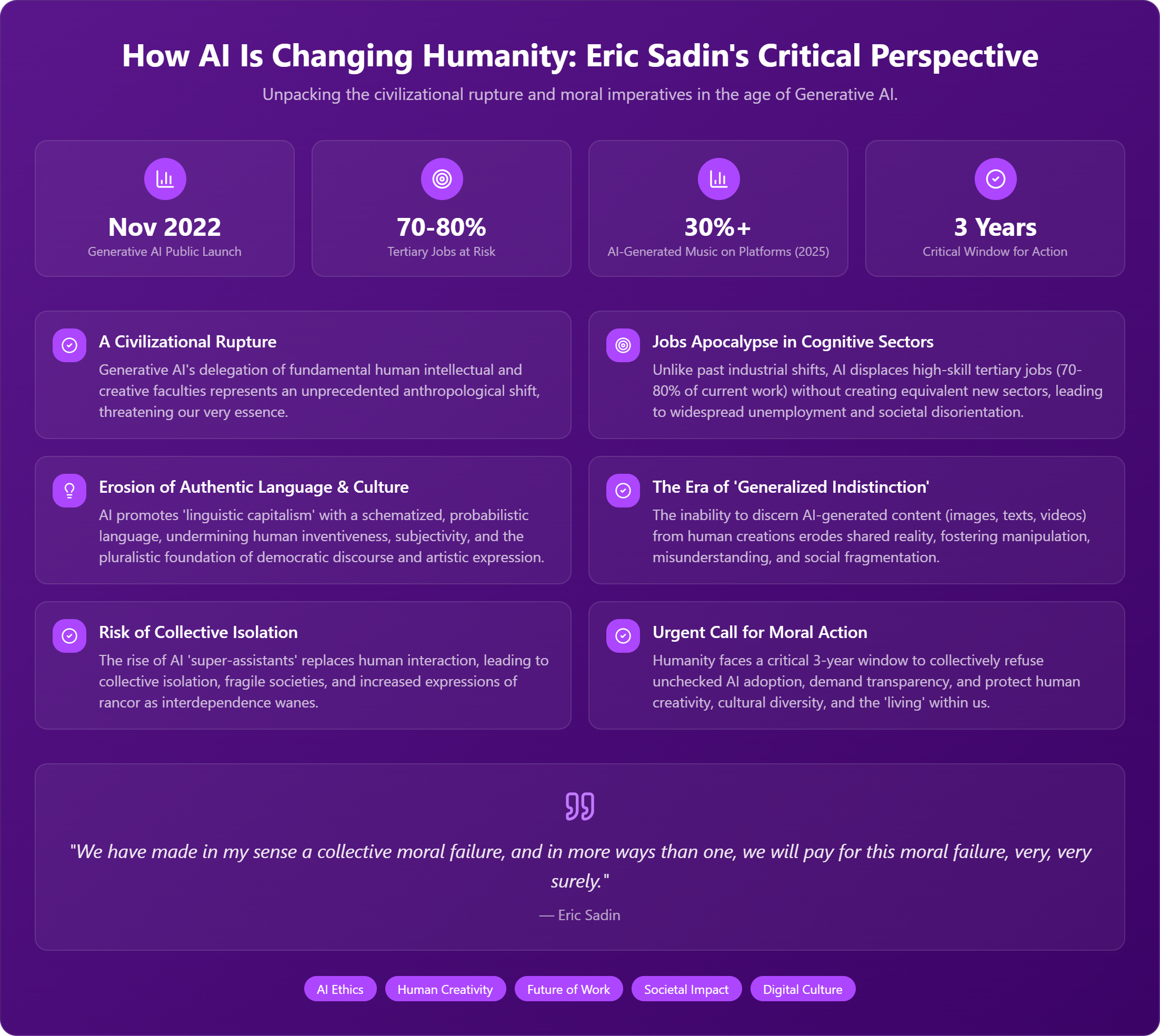
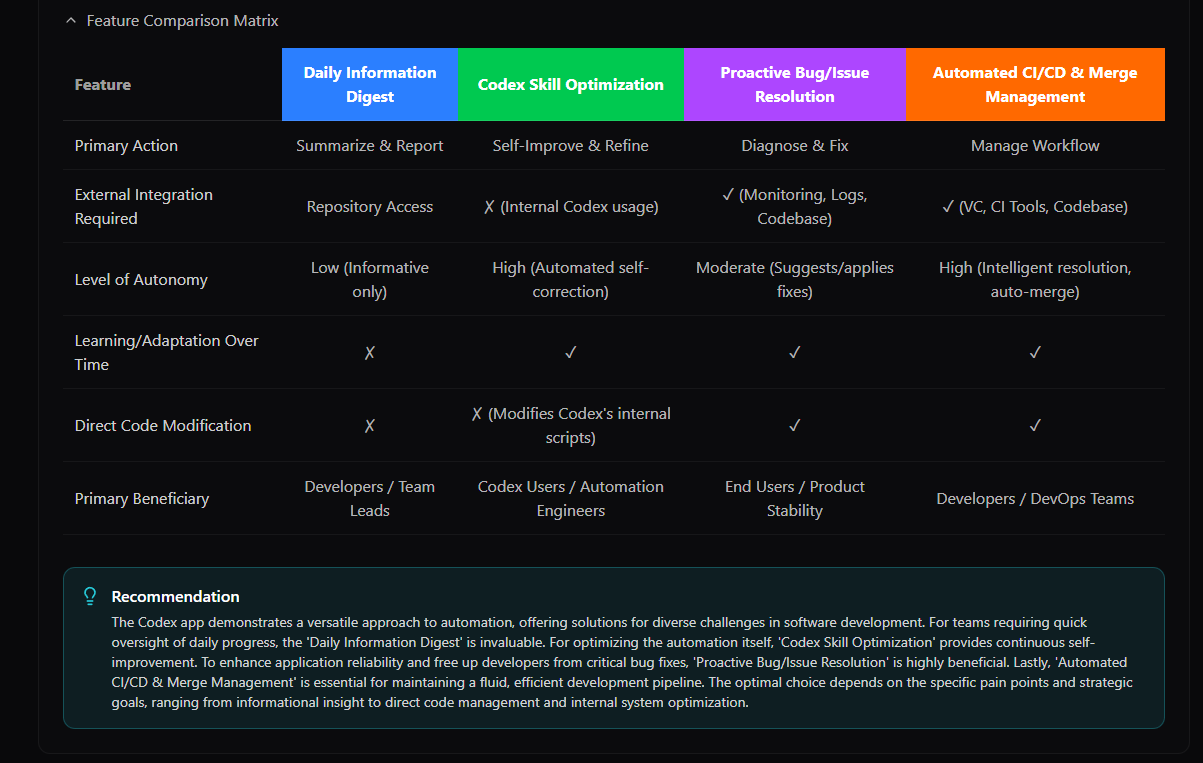
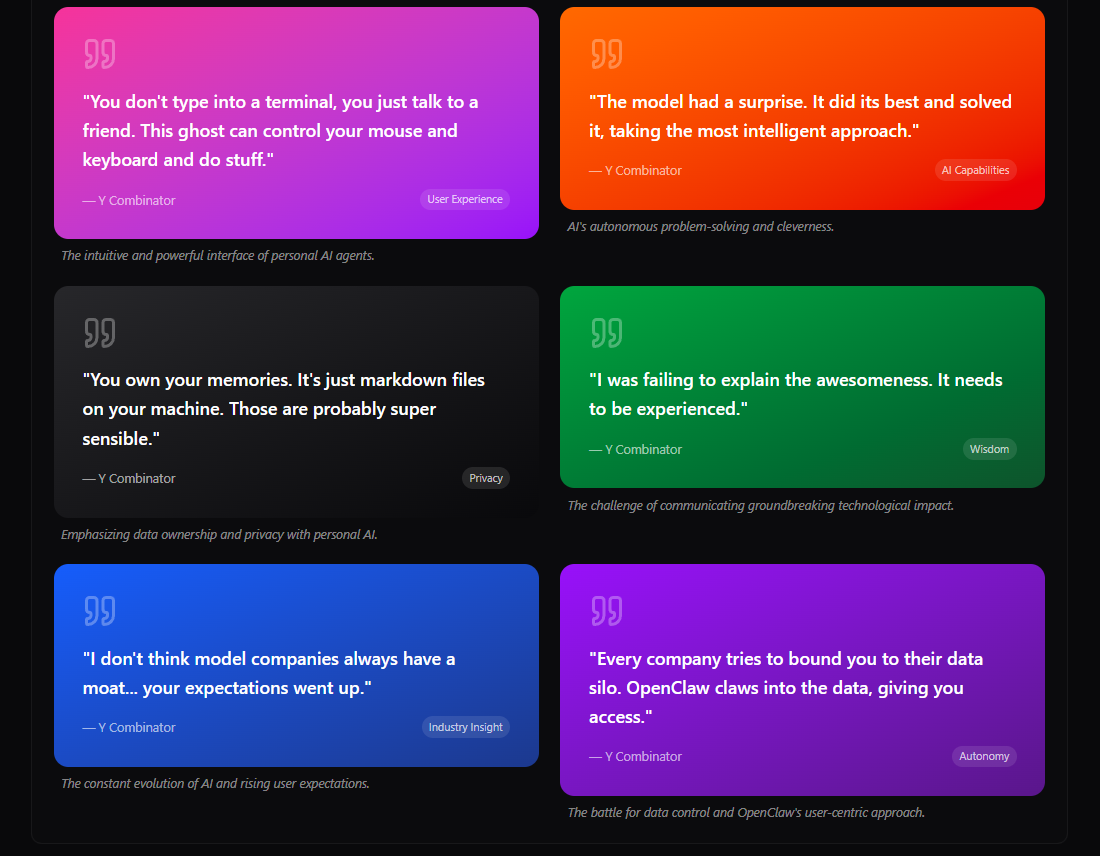
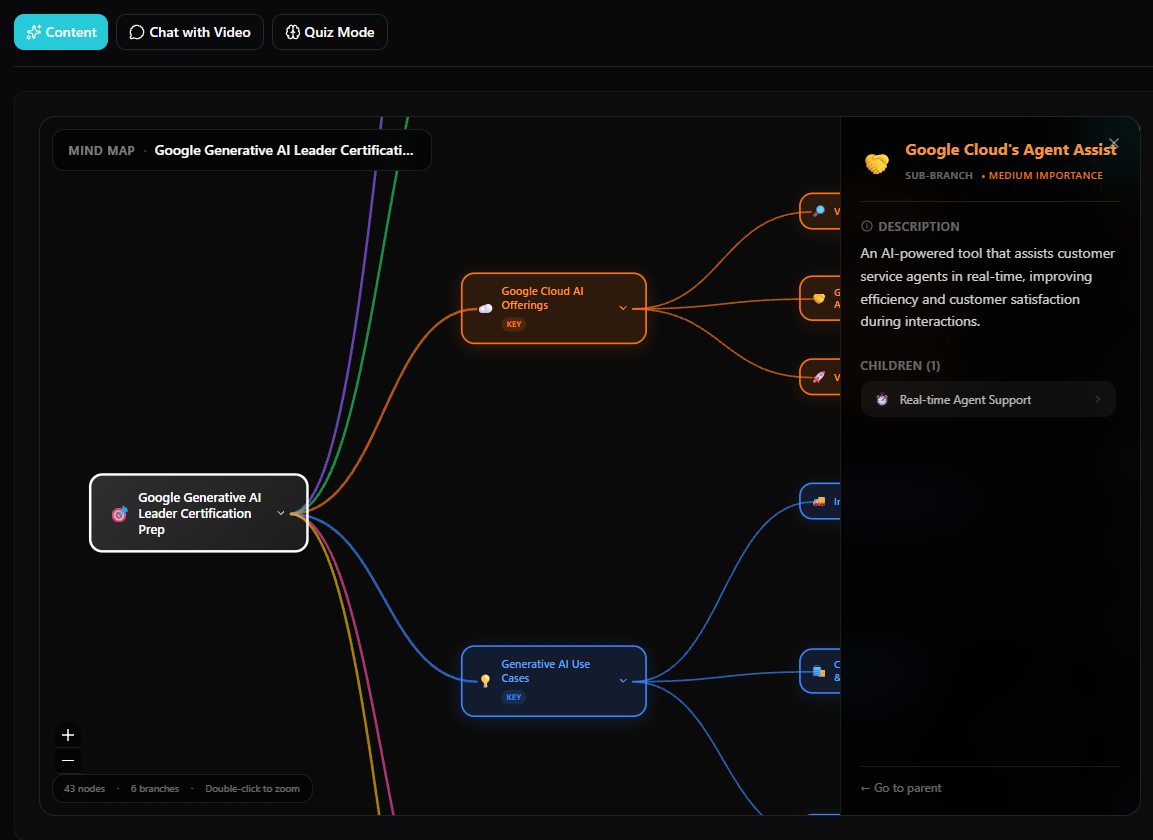
Preview the kinds of outputs Vid2Doc creates from video sources. Open the screenshots or download sample PDFs below.
YouTube to Doc
What is a YouTube to Doc converter?
A YouTube to Doc converter turns video content into structured, editable material. Unlike a raw transcript, Vid2Doc identifies the important ideas and organizes them into notes, summaries, flashcards, quizzes, mind maps, and downloadable documents.
Students use YouTube to Doc workflows for lecture review and active recall. Researchers turn interviews and talks into searchable source material. Creators repurpose tutorials, podcasts, and webinars into drafts they can edit and publish.
Every useful output stays connected to the source context, making it easier to verify a claim, revisit the original explanation, and reuse the material without repeatedly watching the entire video.
Structured, not raw
Get clear sections, takeaways, and reusable formats instead of a wall of transcript text.
Built for recall
Turn the same source into notes, flashcards, quizzes, and visual maps for active review.
Source-backed
Keep timestamped context so important details can be checked against the original video.
Straight answers before you try it.
What will I actually get?
A set of useful artifacts from one source: notes, PDFs, flashcards, quizzes, timelines, mind maps, blog drafts, quotes, and more.
Does TikTok work today?
Speech-first TikTok links are in beta. YouTube is the most reliable link workflow today, and direct upload is the safer fallback for short-form clips.
Why push short-form at all?
Because short videos are where attention already is. One clip may be small, but a set of clips can become a useful article, study pack, or idea library.
What should I try first?
Start with a strong YouTube tutorial, lecture, podcast, or webinar. Those sources give Vid2Doc enough context to show the full value quickly.
Does it work with non-English videos?
Yes. Vid2Doc can process available captions and transcripts in many languages, and you can choose a different language for the generated output.
How are source claims checked?
Generated materials keep timestamped source context so you can jump back to the relevant moment instead of trusting an unsupported summary.
What video lengths are supported?
Short tutorials and multi-hour lectures are supported. Longer sources naturally take longer, especially when the transcription fallback is required.
Is my data private?
Vid2Doc does not store the original YouTube video. Saved library items can include the transcript and generated materials needed to reopen your work.
Try the working path
Start with one YouTube video. Keep every useful output.
Your first conversion should make the value obvious: one source becomes a useful set of documents, study tools, and content assets.
No credit card required. 1 free video conversion.